Webhook Testing
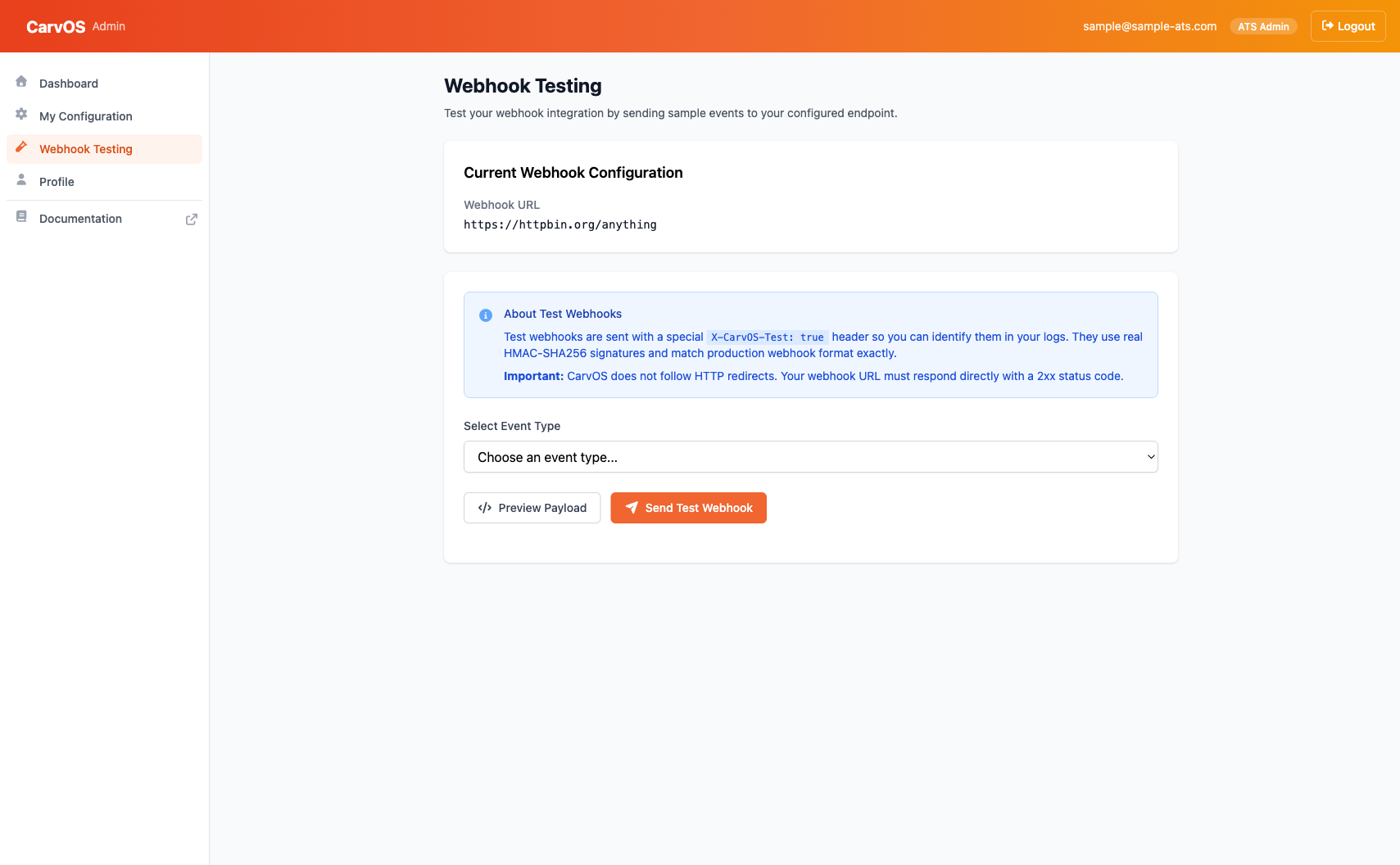
The Webhook Testing page lets you send test webhook events to your configured endpoint to verify your integration is working correctly.
Quick Start
- Navigate to Webhook Testing in the sidebar.
- Select an event type from the dropdown (e.g.,
candidate.created) — a sample payload loads into the editor automatically. - Optionally edit the JSON in place. Use View Schema to inspect the expected fields, or Reset to sample to restore the generated payload.
- Click Send Test Webhook to deliver the event to your endpoint.
- Check the result panel and your endpoint logs to verify receipt.
Test webhooks include a X-CarvOS-Test: true header so you can identify them
in your logs. They use real HMAC-SHA256 signatures and match the production
webhook format exactly.
Info
For a detailed walkthrough of webhook testing features, including payload previews and delivery results, see the Webhook Sandbox guide.