Self-Service Portal
The CarvOS self-service portal gives you direct control over your integration configuration. You can update your webhook URL, rotate credentials, manage webhook secrets, and test your webhook endpoint -- all without contacting Carv support.
Key benefits:
- Rotate API keys and webhook secrets on your own schedule
- Update your webhook URL instantly
- Test webhook delivery before going live
- View your current configuration at any time
Accessing the Portal
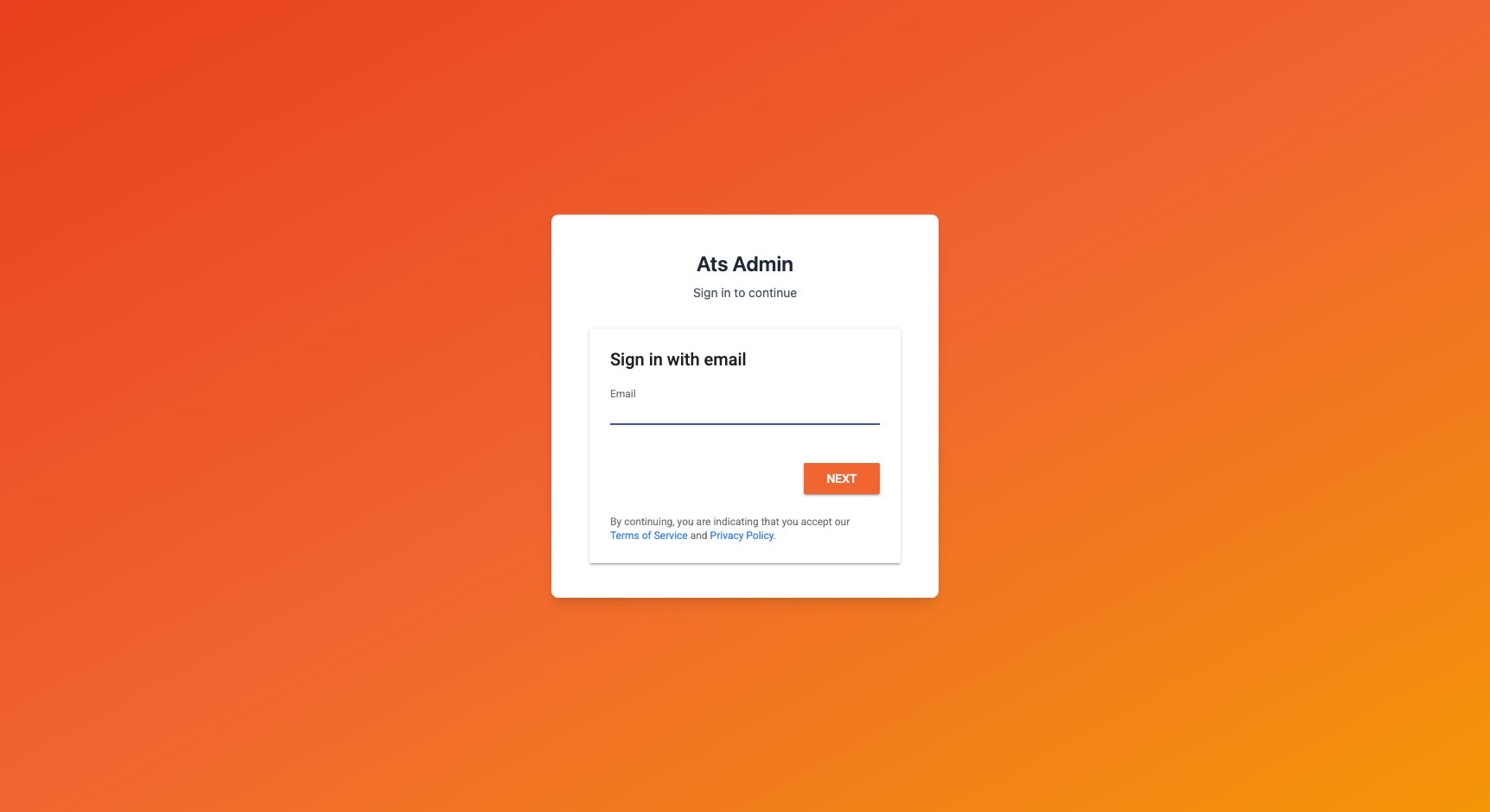
Your login credentials are provided by Carv during onboarding. To sign in:
- Navigate to the Self-Service Portal.
- Enter the email address associated with your ATS account.
- Enter your password and click Sign In.
Info
If you have trouble signing in, contact your Carv account representative for assistance.
Portal Pages
-
Configuration
View your ATS details, rotate API keys, and manage webhook secrets
-
Webhook Testing
Send test events to your endpoint and verify delivery
-
Webhook Deliveries
Inspect a short-lived log of your webhook deliveries
-
Profile
View your account information and reset your password
Security and Trust
The self-service portal is designed with security in mind:
- One-time API key display -- Your API key is shown once after generation. It is hashed and cannot be retrieved later. Store it securely immediately.
- Encrypted webhook secrets -- Webhook secrets are encrypted at rest and can be rotated independently at any time.
- Change tracking -- All configuration changes are logged with timestamps so you have a complete audit trail.
- Data isolation -- You can only view and modify your own configuration. Your data is isolated from other ATS vendors.
- Protected system fields -- Only editable fields are shown in forms. Your ATS identifier and other system fields cannot be modified through the portal.